Using custom domains with Strapi Cloud
Last updated: May 5, 2025
Custom domains do not apply to the URLs of uploaded assets. Uploaded assets keep the Strapi Cloud project-based URL; it is not currently possible to alter the assets URL
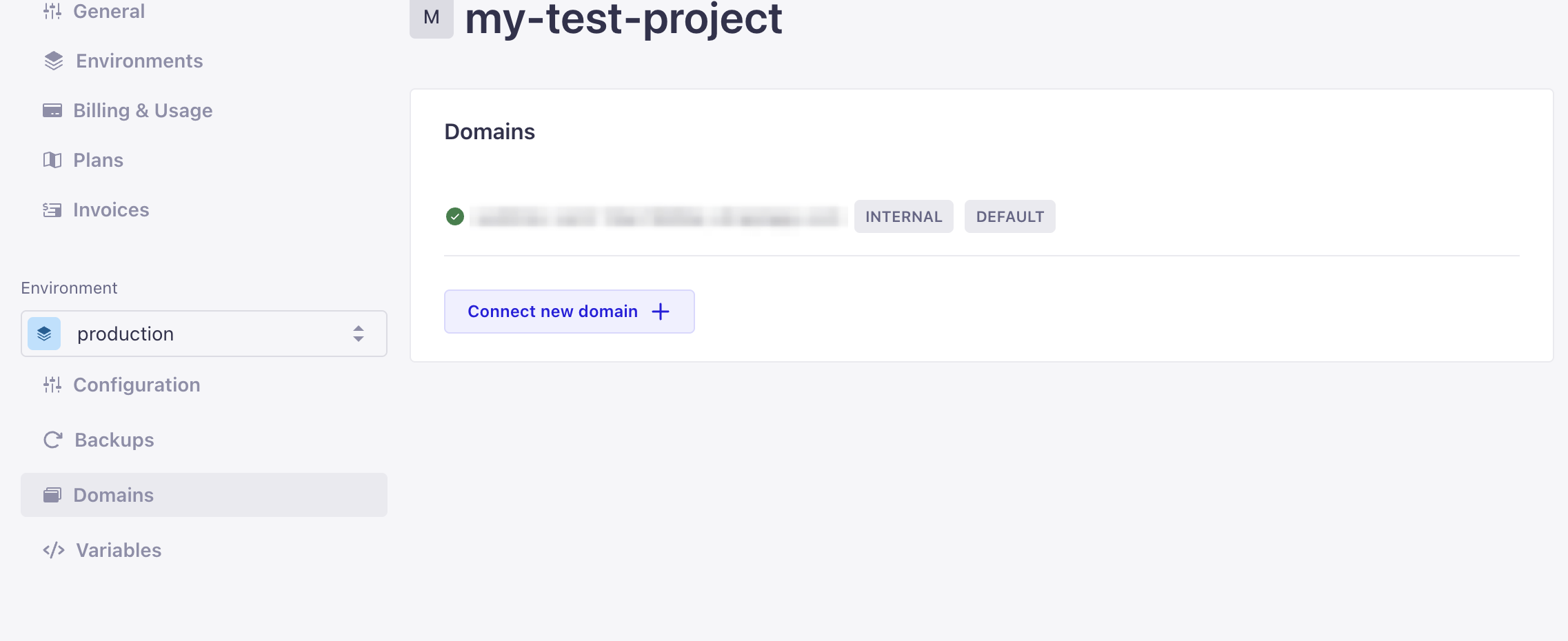
You can configure a custom domain for your Strapi CMS through Strapi Cloud. Follow these steps to set up your domain:
Navigate to the Settings page in your Cloud dashboard
Find the custom domain configuration section
Configure your CNAME DNS record
Your application will be accessible through your custom domain immediately after configuration
Important: If you use Certificate Authority Authorization (CAA) DNS records on your top-level domain, you'll need to add additional values to enable SSL certificate generation.
The following situations require CAA record updates:
You have existing CAA records configured
You need SSL certificates for your custom domain
You want Strapi Cloud to manage certificates automatically
For detailed instructions about custom domains and CAA configuration, visit our Strapi Cloud domain setup guide.