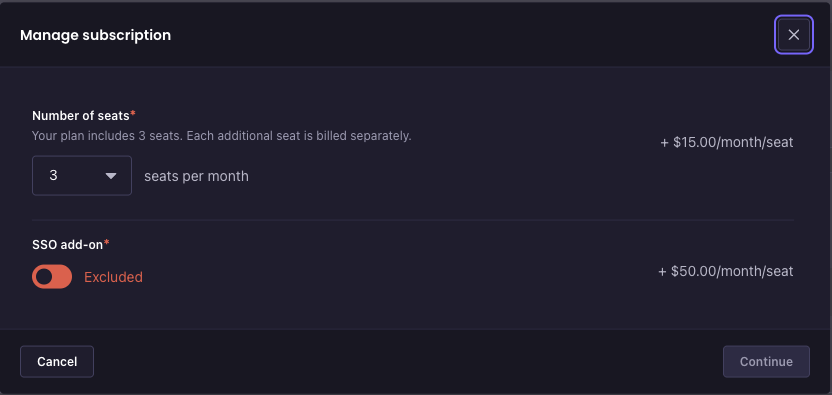
How to add more seats to your Strapi Growth Plan subscription
Last updated: July 2, 2026
Growth Plan subscribers can add or remove seats at any time from the Strapi billing portal.
Access the billing portal in one of three ways:
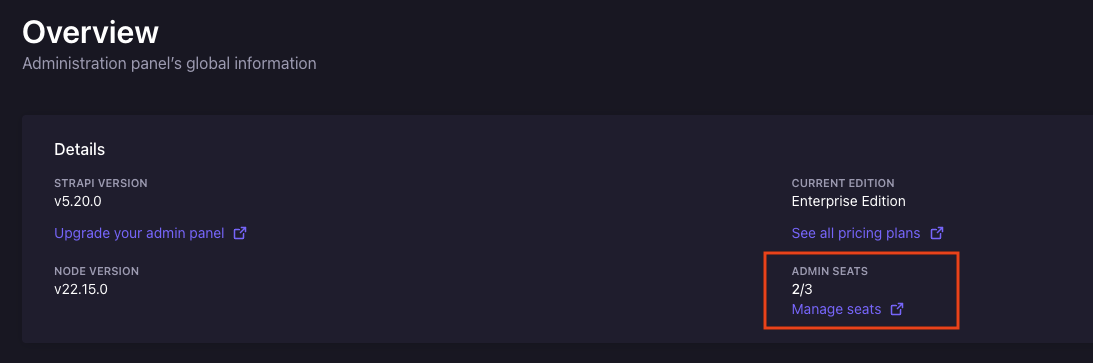
From the Strapi Admin Panel: Open Settings (gear icon), click Overview, then under Admin Seats click Manage seats.
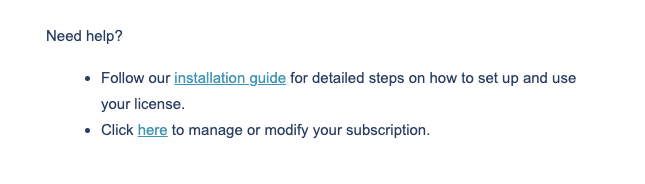
From your original order email: Open the Growth Plan confirmation email and click Manage or Modify your subscription.
Directly: Go to billing.strapi.io.
The portal uses email verification. Enter the email address associated with your Growth Plan purchase and you'll receive a one-time code. Enter the code to continue.
To manage your seats:
Click on your Growth Plan subscription.
Click Manage subscription.
Adjust the seat count. The minimum is three seats.
Review the charge summary.
Click Confirm.
Seat additions take effect immediately and are charged on a prorated basis for the remainder of your billing period. Seat removals take effect at your next renewal date.
You can also add or remove the SSO add-on from the same Manage subscription flow.