How do I view my support tickets?
Last updated: March 24, 2025
Logging into the Customer Portal
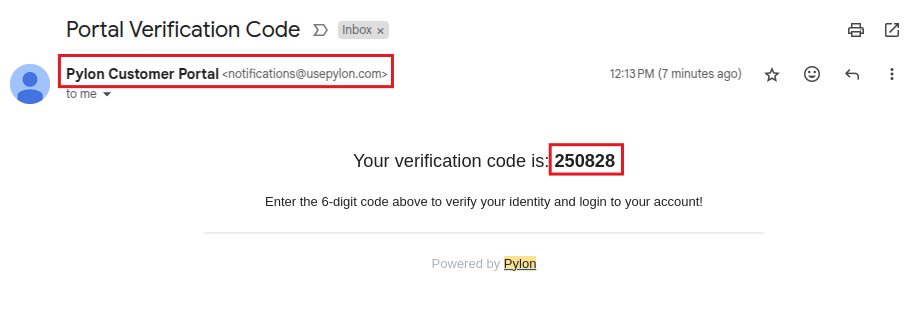
Login codes sent to your email may end up in your spam folder
These emails come from: notifications@usepylon.com and will have the description: "Portal Verification Code"
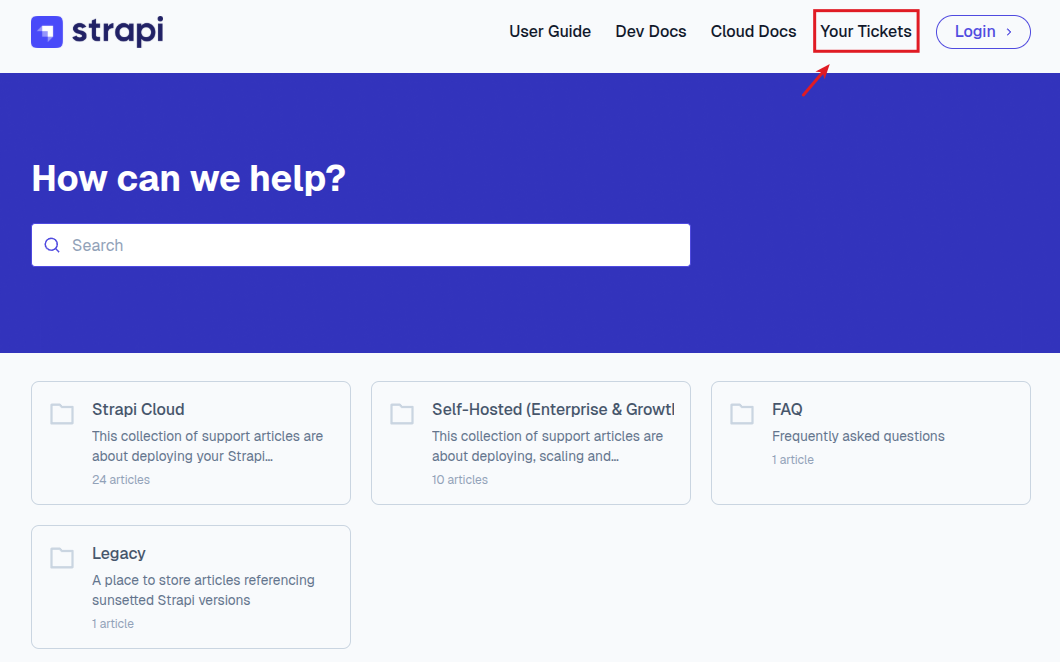
Visit the Support Knowledgebase and at the top of the page click on "Your Tickets"
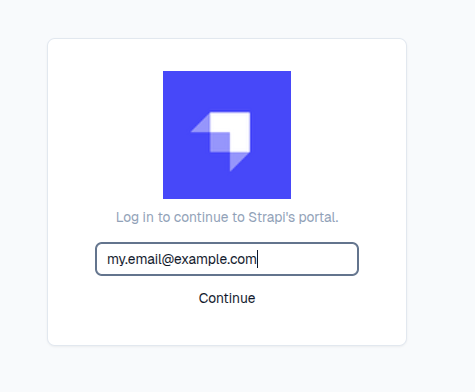
Enter your email address and hit "continue"
An email will be sent to you with a code
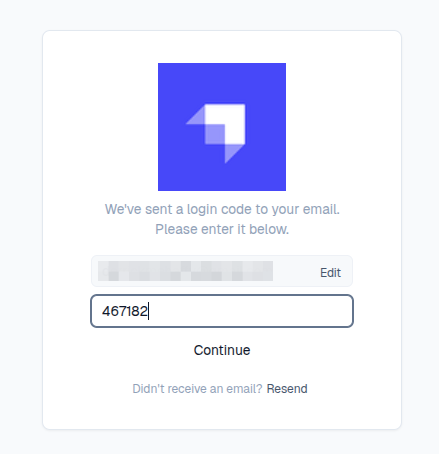
Enter the code from the email and hit "Continue"
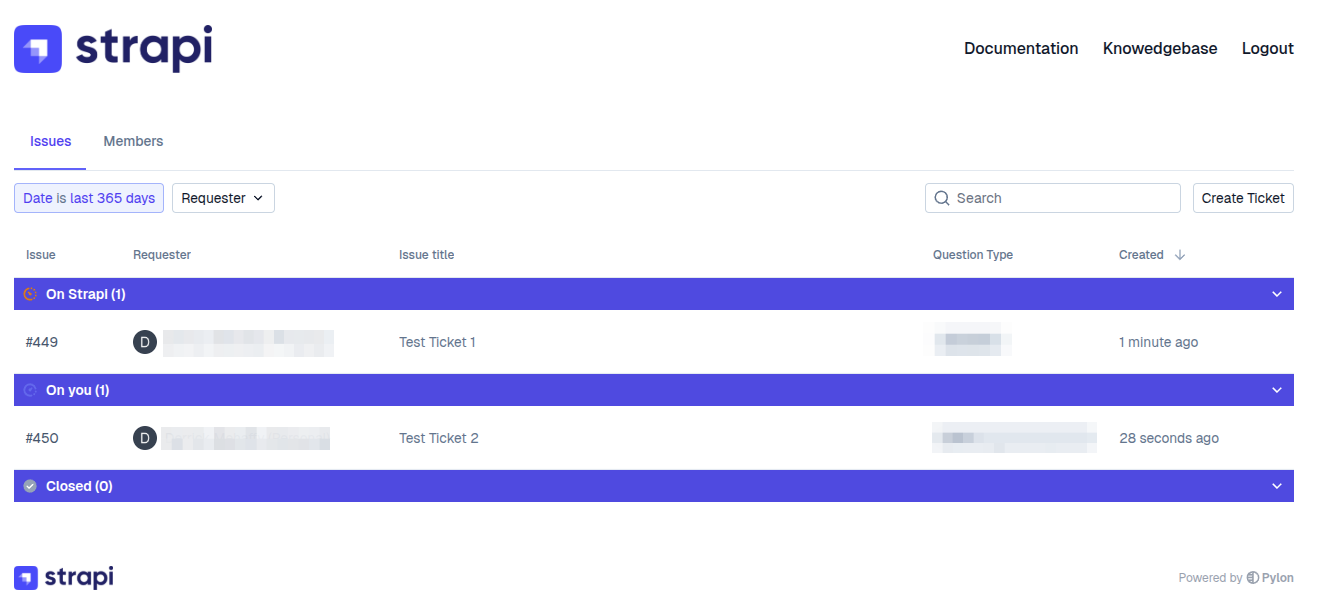
Once you are signed in you can view your tickets, create new tickets or manage your other team members access
Usage
For creating new tickets or responding to existing tickets, please see the following article
For managing your team access to the customer portal, please see the following article